AI agents are one of those things that sound intimidating until you actually start building one. Then you realize it's mostly just a loop, some tools, and a lot of trial and error. This is a quick rundown of what they are, where to start, and what to watch out for — plus a few tips that took me way too long to learn.
What is an AI agent, really?
At its core, an AI agent is a program that:
- Takes in a goal
- Decides what steps to take
- Uses tools (search, files, APIs, code)
- Checks its own work
- Repeats until the job is done
That's it. The "agent" part just means it can act on its own instead of only answering one question at a time.
Where to start
Don't start by building something huge. Start small and boring.
- Pick one simple task (e.g., summarize a webpage)
- Give it one tool (e.g., a web request)
- Let it run once and see what happens
- Then add memory, then more tools, then loops
If you can get a basic agent to do one thing reliably, scaling up is just repetition.
Tools and skills you'll pick up
- Basic Python (or JavaScript)
- How to call an API
- Prompt writing (clear instructions matter more than fancy code)
- File handling and simple storage
- Debugging — lots of it
You don't need to be an expert in any of these. You learn them as you go.
Building your own app around it
Once the agent works, you can wrap it in your own app. This is where it gets fun:
- Add a simple UI (even a basic form works)
- Let users type a goal and hit "Run"
- Show the agent's steps as it works
- Save results so users can come back to them
You don't need a fancy framework to start. A plain app with one button and one output box is enough to prove the idea.
Common problems and rookie mistakes
- No clear goal — the agent wanders because you didn't tell it exactly what "done" looks like
- Too many tools at once — it gets confused; add one at a time
- No error handling — one failed API call kills the whole run
- No memory — it forgets everything between steps
- No logging — you can't debug what you can't see
- Giving up too early — most agents "work" after the 10th tweak, not the 1st
Three tips worth remembering
1. Use a local model when you can
If you don't always have internet — or you just want privacy — a local model running on your own machine is a game changer. It's slower, but it's yours. No API bills, no outages, no data leaving your computer.
2. Give your agent memory
An agent without memory is just a fancy chatbot. Even simple memory (saving notes to a file or database) makes it feel 10x smarter. It can pick up where it left off, remember past tasks, and build on what it already knows.
3. Back up your work — always
At least periodically, and on external storage if you have it. Agents and their data are easy to lose. One bad update, one corrupt file, one accidental delete — and hours of work are gone. Save early, save often.
Some of what I've been working on
A few screenshots from the apps and tools I've been building along the way:
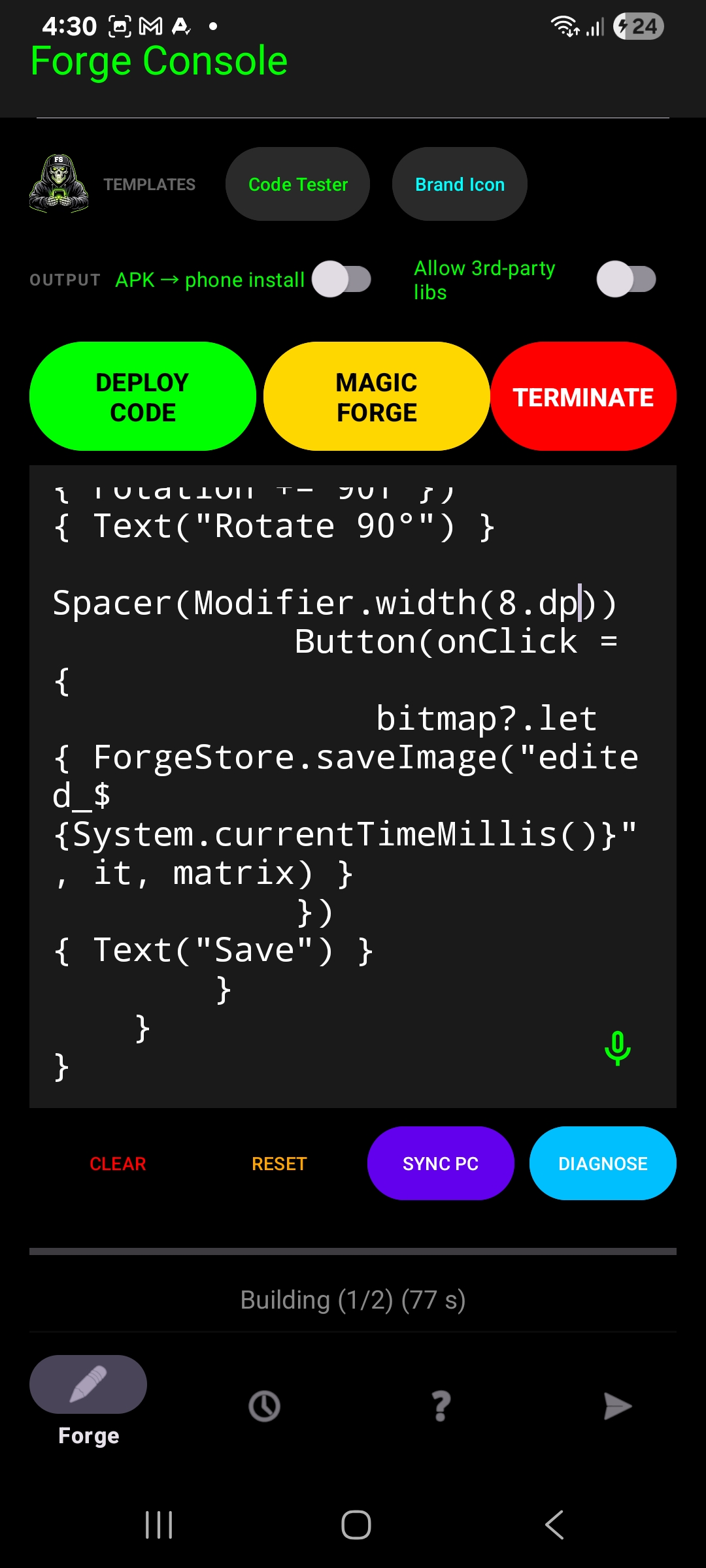
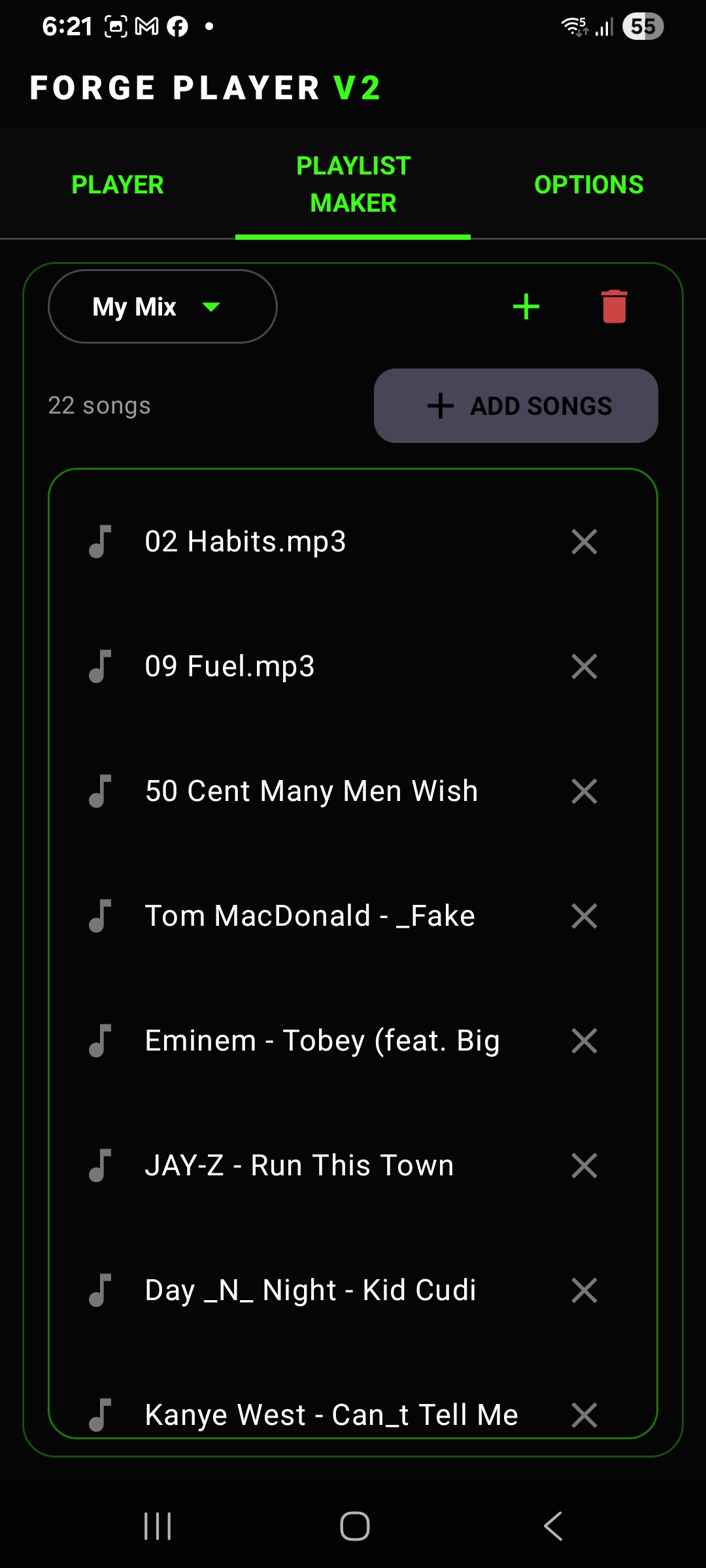
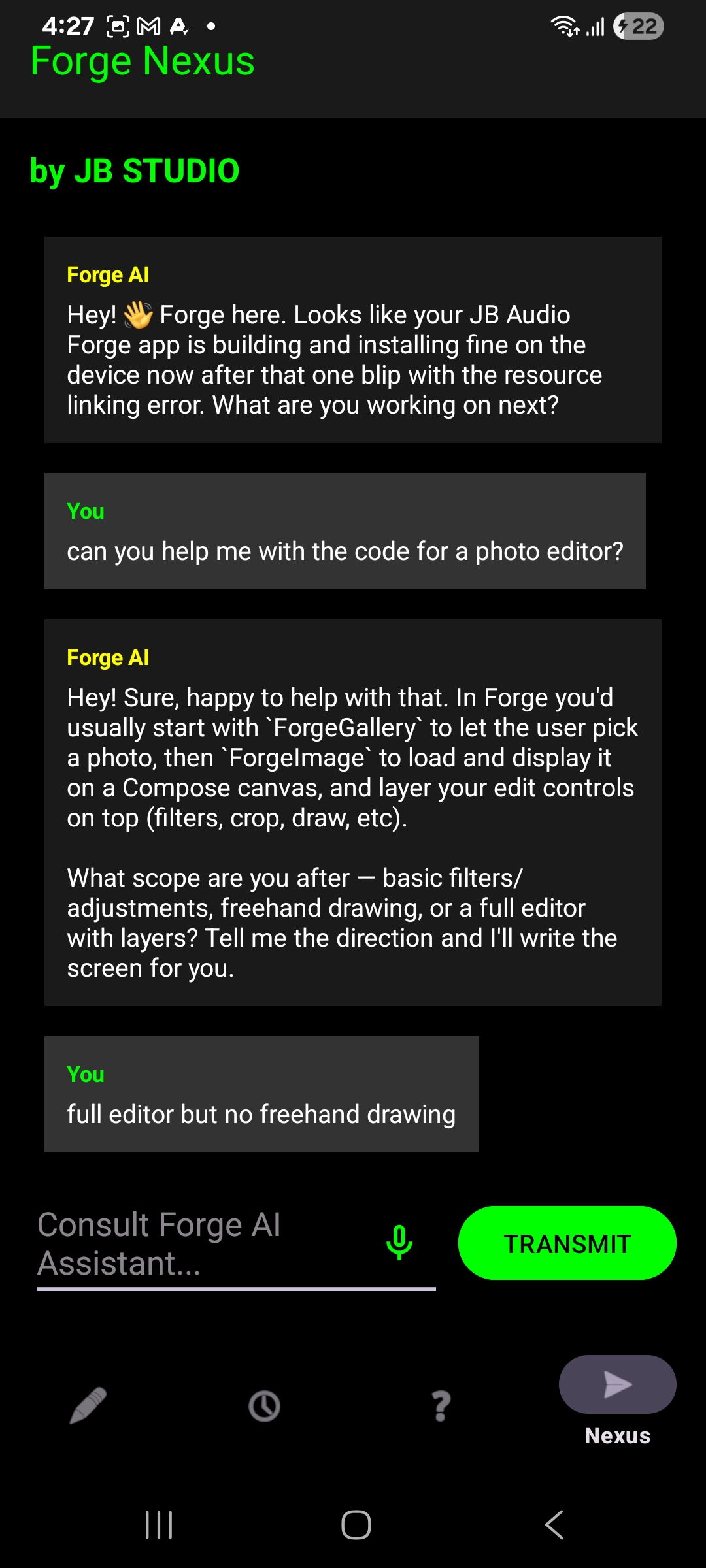
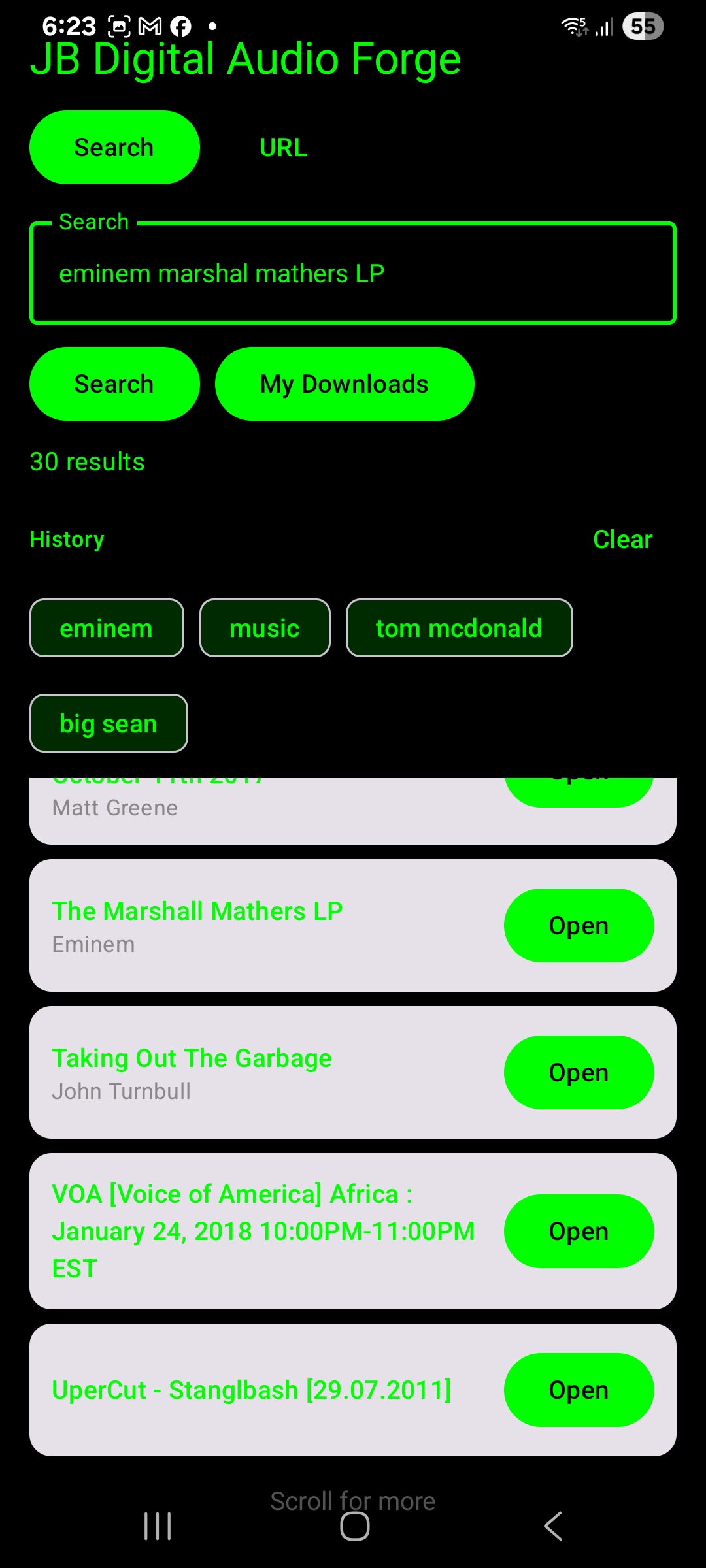
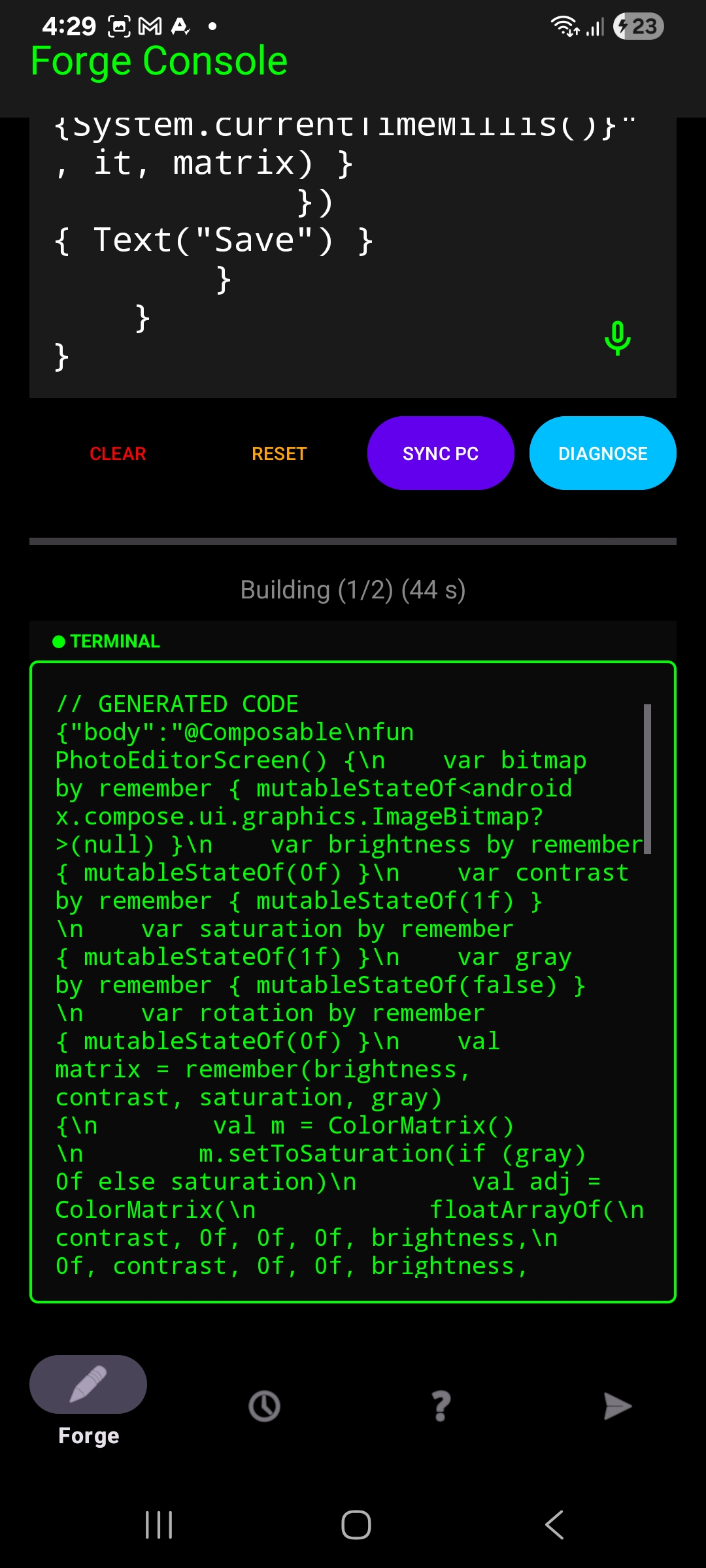
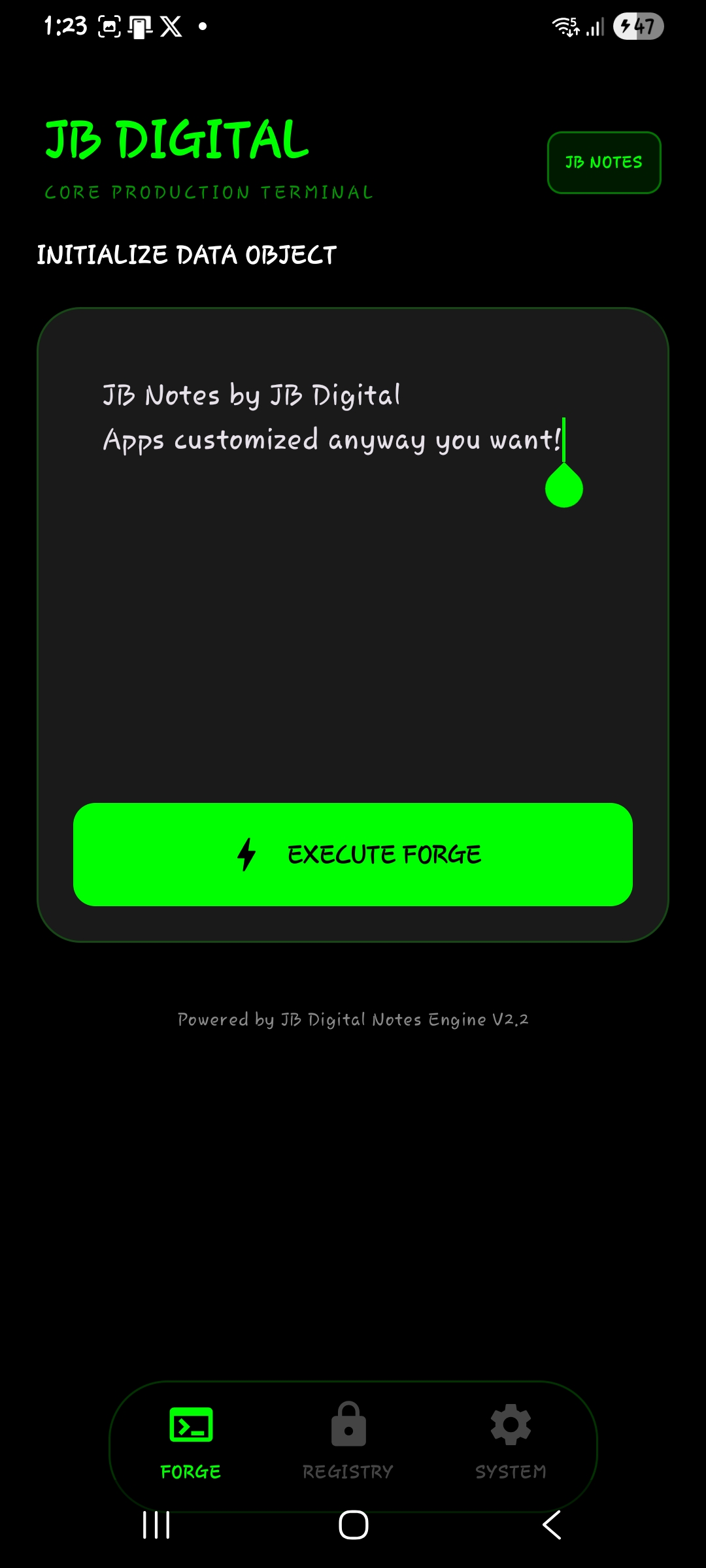
A few examples of custom work — more coming soon.
That's the short version. If you're thinking about building an agent, just start. You'll learn more in one weekend of tinkering than in a month of reading about it.
← Back to Home